Free size chart templates for clothing
Ten blank size chart templates you can download and fill in: one for each common garment, plus a body measurement chart. Each comes as a CSV file and as a sheet in one Excel workbook, with instructions for measuring every point. They are free to use under CC BY 4.0.
Download all templates (Excel)
By Sienna Stones · Published 23 October 2026
Download a template
| Garment | Measurements | Download |
|---|---|---|
| T-shirt | Chest, Length, Shoulder, Sleeve | CSV |
| Shirt | Collar, Chest, Waist, Length, Shoulder, Sleeve | CSV |
| Hoodie and sweatshirt | Chest, Length, Shoulder, Sleeve, Hem width | CSV |
| Jacket and coat | Chest, Waist, Shoulder, Sleeve, Back length | CSV |
| Dress | Bust, Waist, Hip, Length | CSV |
| Trousers | Waist, Hip, Front rise, Inseam, Thigh, Leg opening | CSV |
| Jeans | Waist, Hip, Front rise, Back rise, Inseam, Thigh, Knee, Leg opening | CSV |
| Shorts | Waist, Hip, Front rise, Inseam, Leg opening | CSV |
| Skirt | Waist, Hip, Length | CSV |
| Body measurements | Bust, Waist, Hip, Height | CSV |
To use a template in Google Sheets, open Sheets, choose File, then Import, and upload the Excel file or a CSV. In Canva, Word or Numbers, paste the table in from the spreadsheet.
How to fill in a size chart template
- Pick garment or body measurements. Garment measurements describe the finished item and suit trousers, jeans, knitwear and anything with a relaxed cut. Body measurements describe the person and suit dresses and tailoring. Say clearly which one your chart uses. Our guide to making a size chart explains the difference.
- Measure a production sample of every size. Don't copy numbers from your factory's spec sheet or grade them by rule: real garments differ from spec.
- Rename the sizes to match your labels. Use UK 6 to 18, waist 28 to 36 or 36R to 44R if that is what your product page shows. Our size converter has UK, US and EU equivalents.
- Add a fit note and the model's details. For example "Relaxed fit: size down for a closer fit. Model is 178 cm and wears M."
- Publish it as text, not a picture. Shoppers on mobile can zoom text, and search engines and AI shopping assistants can read it. How to add a size chart in Shopify covers Dawn, Horizon and product metafields.
Why the format matters
In our Shopify Size Chart Report 2026 of 829 fashion stores, 31.6% had a size chart readable as text. 27.1% published their chart only as an image, and for 27.7% we found no size chart at all. An image chart cannot be read by screen readers, search engines or AI assistants, and is hard to read on a phone. A filled-in template pasted as an HTML table fixes all four.
Six worked examples, with figures filled in, are in our size guide examples.
T-shirt size chart template
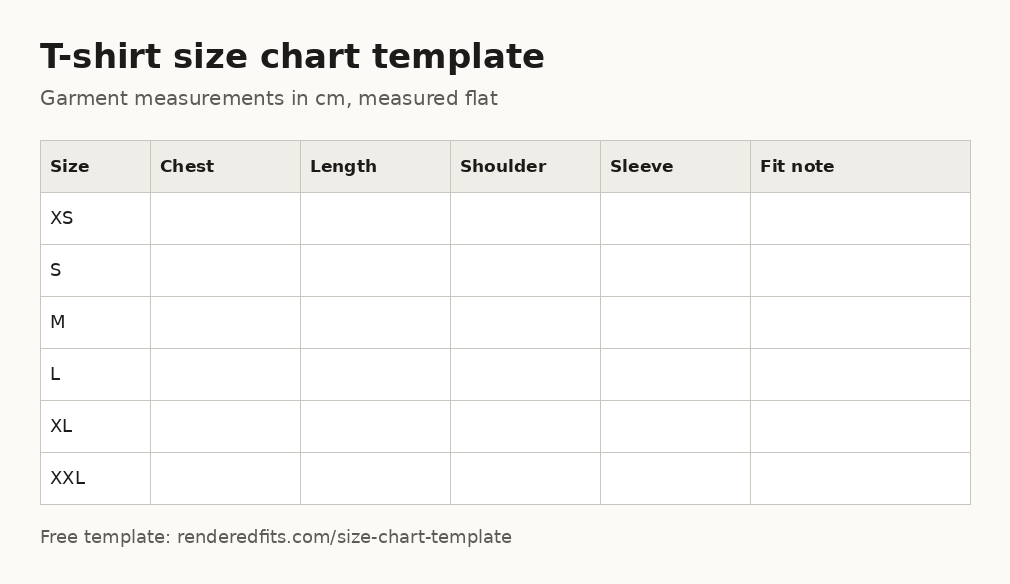
Columns: size, chest, length, shoulder, sleeve and a fit note. These are garment measurements, taken with the item laid flat. Download the t-shirt template (CSV) or use the matching sheet in the Excel workbook.
How to measure
- Chest. Lay the garment flat and measure straight across, 2.5 cm (1 in) below the armholes. Double it for the full chest.
- Length. From the highest point of the shoulder, next to the collar, straight down to the hem.
- Shoulder. Straight across the back from one shoulder seam to the other.
- Sleeve. From the shoulder seam to the end of the cuff or hem, along the top of the sleeve.
Shirt size chart template
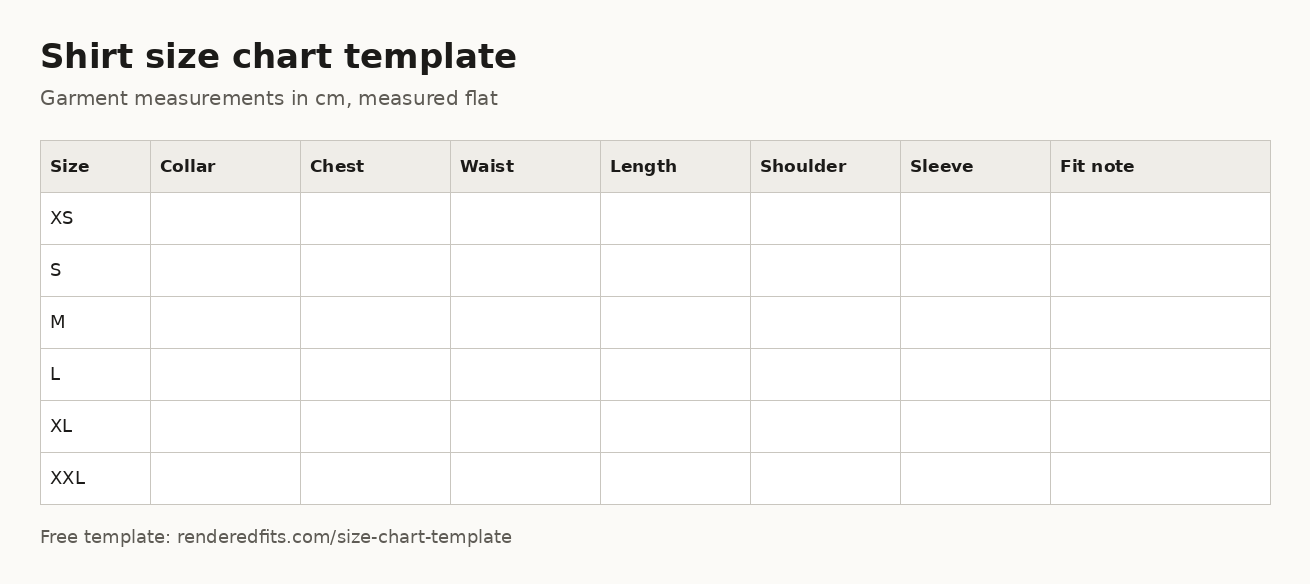
Columns: size, collar, chest, waist, length, shoulder, sleeve and a fit note. These are garment measurements, taken with the item laid flat. Download the shirt template (CSV) or use the matching sheet in the Excel workbook.
How to measure
- Collar. Lay the collar flat and open; measure from the centre of the button to the far end of the buttonhole.
- Chest. Lay the garment flat and measure straight across, 2.5 cm (1 in) below the armholes. Double it for the full chest.
- Waist. Measure straight across the waist (the top edge for trousers, the narrowest point for dresses) and double it.
- Length. From the highest point of the shoulder, next to the collar, straight down to the hem.
- Shoulder. Straight across the back from one shoulder seam to the other.
- Sleeve. From the shoulder seam to the end of the cuff or hem, along the top of the sleeve.
Hoodie and sweatshirt size chart template
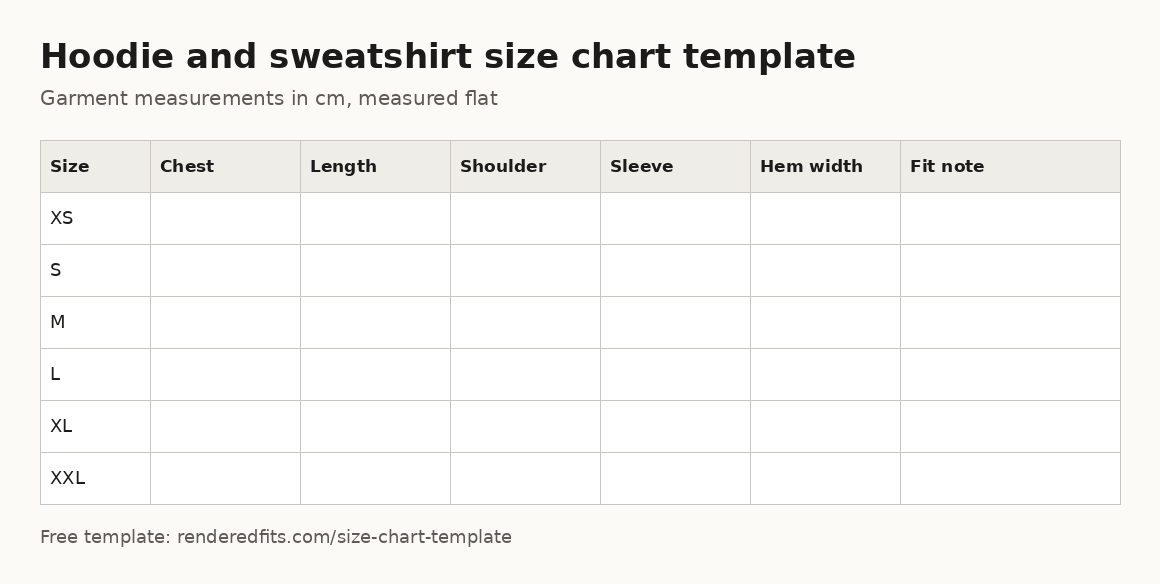
Columns: size, chest, length, shoulder, sleeve, hem width and a fit note. These are garment measurements, taken with the item laid flat. Download the hoodie and sweatshirt template (CSV) or use the matching sheet in the Excel workbook.
How to measure
- Chest. Lay the garment flat and measure straight across, 2.5 cm (1 in) below the armholes. Double it for the full chest.
- Length. From the highest point of the shoulder, next to the collar, straight down to the hem.
- Shoulder. Straight across the back from one shoulder seam to the other.
- Sleeve. From the shoulder seam to the end of the cuff or hem, along the top of the sleeve.
- Hem width. Straight across the bottom edge or rib, relaxed, and double it.
Jacket and coat size chart template
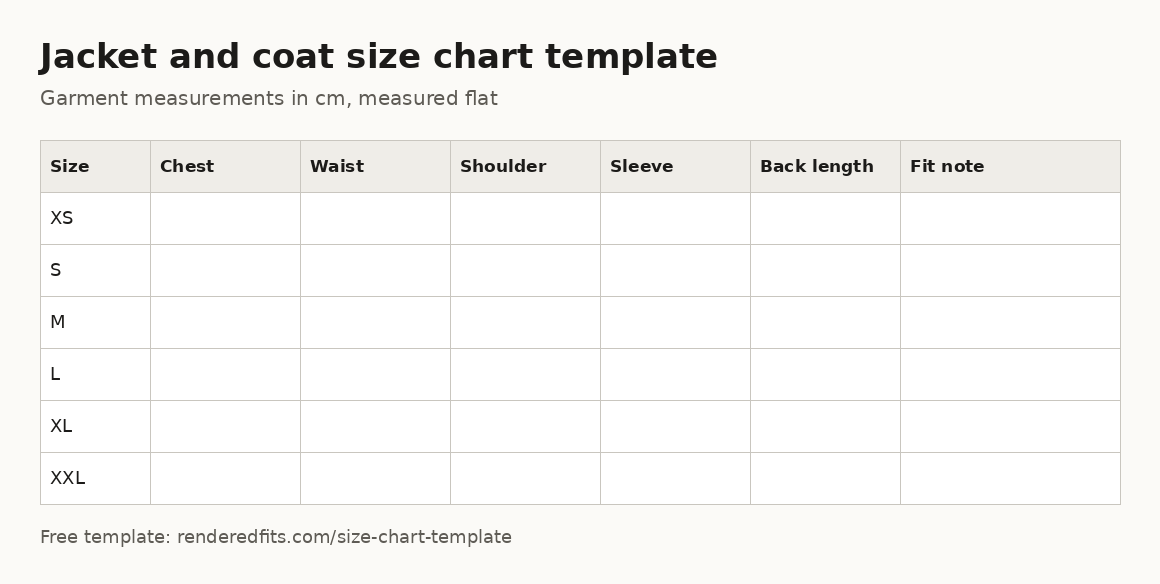
Columns: size, chest, waist, shoulder, sleeve, back length and a fit note. These are garment measurements, taken with the item laid flat. Download the jacket and coat template (CSV) or use the matching sheet in the Excel workbook.
How to measure
- Chest. Lay the garment flat and measure straight across, 2.5 cm (1 in) below the armholes. Double it for the full chest.
- Waist. Measure straight across the waist (the top edge for trousers, the narrowest point for dresses) and double it.
- Shoulder. Straight across the back from one shoulder seam to the other.
- Sleeve. From the shoulder seam to the end of the cuff or hem, along the top of the sleeve.
- Back length. From the centre of the collar seam at the back, straight down to the hem.
Dress size chart template
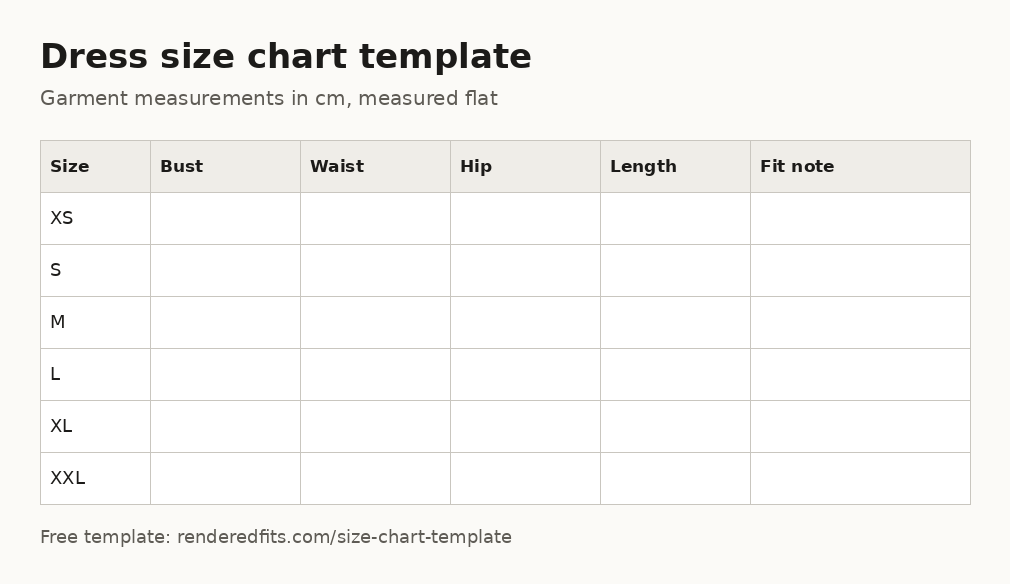
Columns: size, bust, waist, hip, length and a fit note. These are garment measurements, taken with the item laid flat. Download the dress template (CSV) or use the matching sheet in the Excel workbook.
How to measure
- Bust. Garment: measure flat across the fullest part of the bust and double it. Body: measure round the fullest part of the bust.
- Waist. Measure straight across the waist (the top edge for trousers, the narrowest point for dresses) and double it.
- Hip. Measure flat across the widest part of the hip, usually 18 to 20 cm below the waist, and double it.
- Length. From the highest point of the shoulder, next to the collar, straight down to the hem.
Trousers size chart template
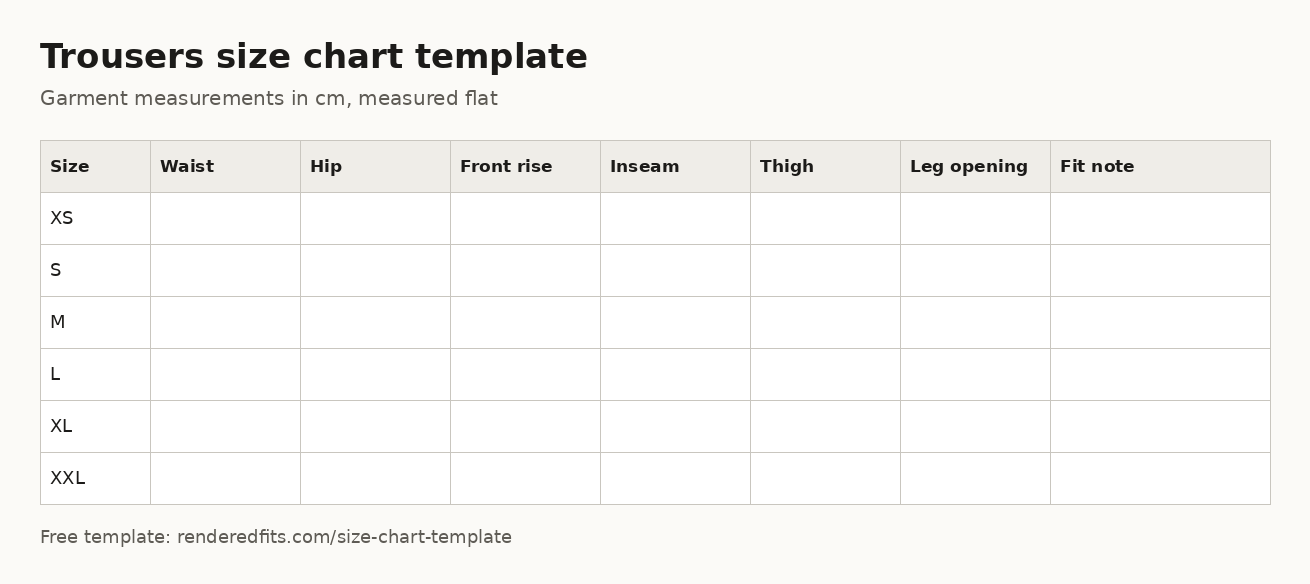
Columns: size, waist, hip, front rise, inseam, thigh, leg opening and a fit note. These are garment measurements, taken with the item laid flat. Download the trousers template (CSV) or use the matching sheet in the Excel workbook.
How to measure
- Waist. Measure straight across the waist (the top edge for trousers, the narrowest point for dresses) and double it.
- Hip. Measure flat across the widest part of the hip, usually 18 to 20 cm below the waist, and double it.
- Front rise. From the crotch seam to the top of the waistband at the front.
- Inseam. From the crotch seam down the inside leg to the hem.
- Thigh. Straight across the leg, 2.5 cm (1 in) below the crotch seam.
- Leg opening. Straight across the hem of one leg, and double it.
Jeans size chart template
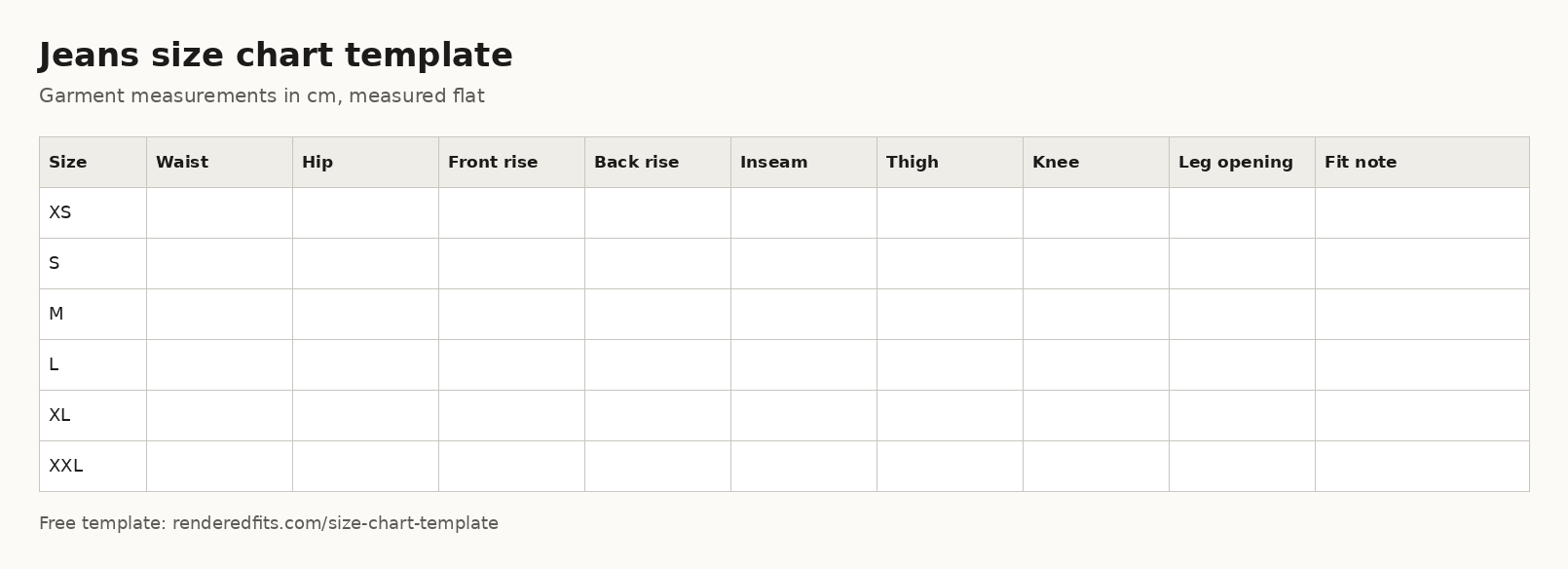
Columns: size, waist, hip, front rise, back rise, inseam, thigh, knee, leg opening and a fit note. These are garment measurements, taken with the item laid flat. Download the jeans template (CSV) or use the matching sheet in the Excel workbook.
How to measure
- Waist. Measure straight across the waist (the top edge for trousers, the narrowest point for dresses) and double it.
- Hip. Measure flat across the widest part of the hip, usually 18 to 20 cm below the waist, and double it.
- Front rise. From the crotch seam to the top of the waistband at the front.
- Back rise. From the crotch seam to the top of the waistband at the back.
- Inseam. From the crotch seam down the inside leg to the hem.
- Thigh. Straight across the leg, 2.5 cm (1 in) below the crotch seam.
- Knee. Straight across the leg, halfway between the crotch seam and the hem.
- Leg opening. Straight across the hem of one leg, and double it.
Shorts size chart template
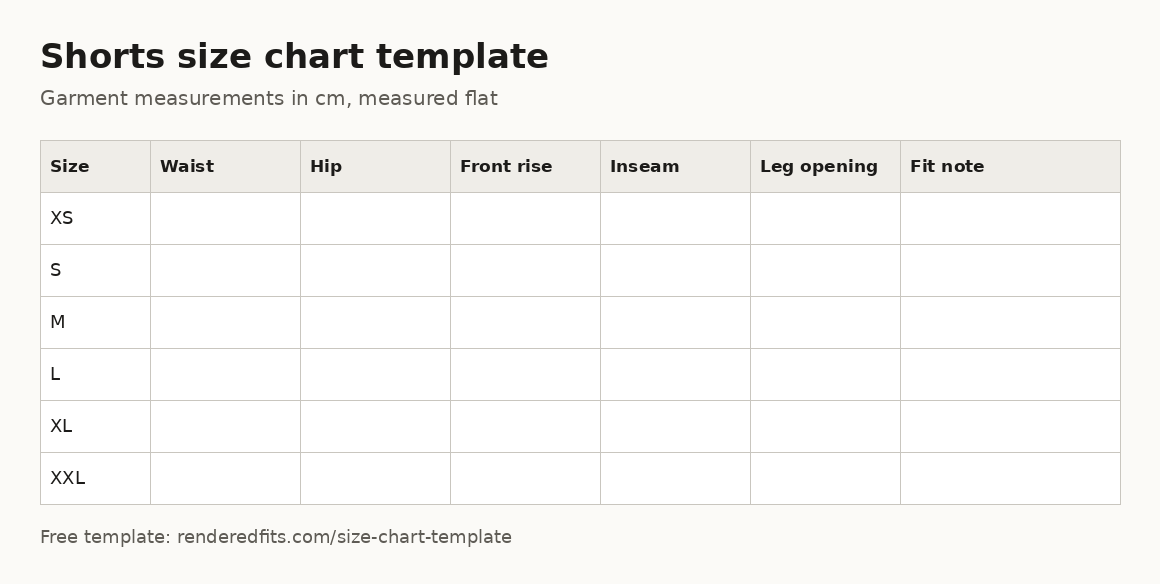
Columns: size, waist, hip, front rise, inseam, leg opening and a fit note. These are garment measurements, taken with the item laid flat. Download the shorts template (CSV) or use the matching sheet in the Excel workbook.
How to measure
- Waist. Measure straight across the waist (the top edge for trousers, the narrowest point for dresses) and double it.
- Hip. Measure flat across the widest part of the hip, usually 18 to 20 cm below the waist, and double it.
- Front rise. From the crotch seam to the top of the waistband at the front.
- Inseam. From the crotch seam down the inside leg to the hem.
- Leg opening. Straight across the hem of one leg, and double it.
Skirt size chart template
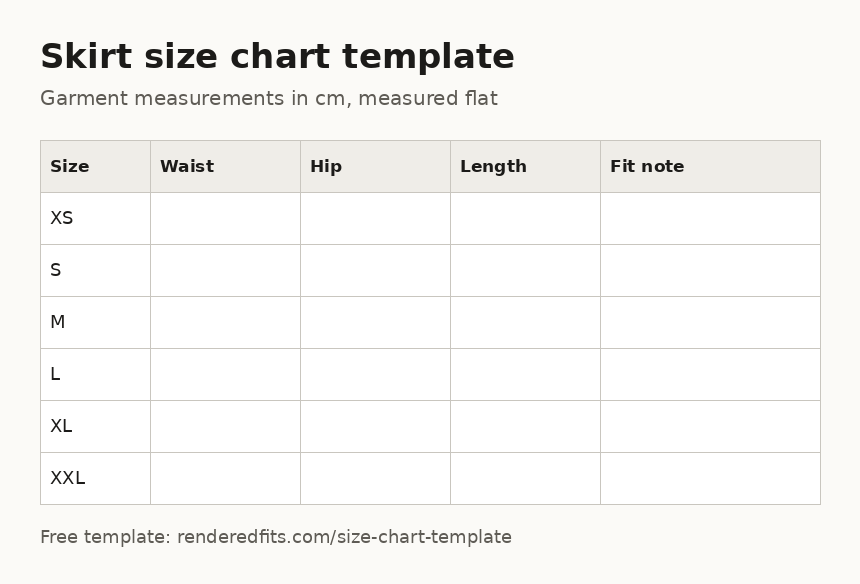
Columns: size, waist, hip, length and a fit note. These are garment measurements, taken with the item laid flat. Download the skirt template (CSV) or use the matching sheet in the Excel workbook.
How to measure
- Waist. Measure straight across the waist (the top edge for trousers, the narrowest point for dresses) and double it.
- Hip. Measure flat across the widest part of the hip, usually 18 to 20 cm below the waist, and double it.
- Length. From the top of the waistband at the centre front, straight down to the hem.
Body measurements size chart template
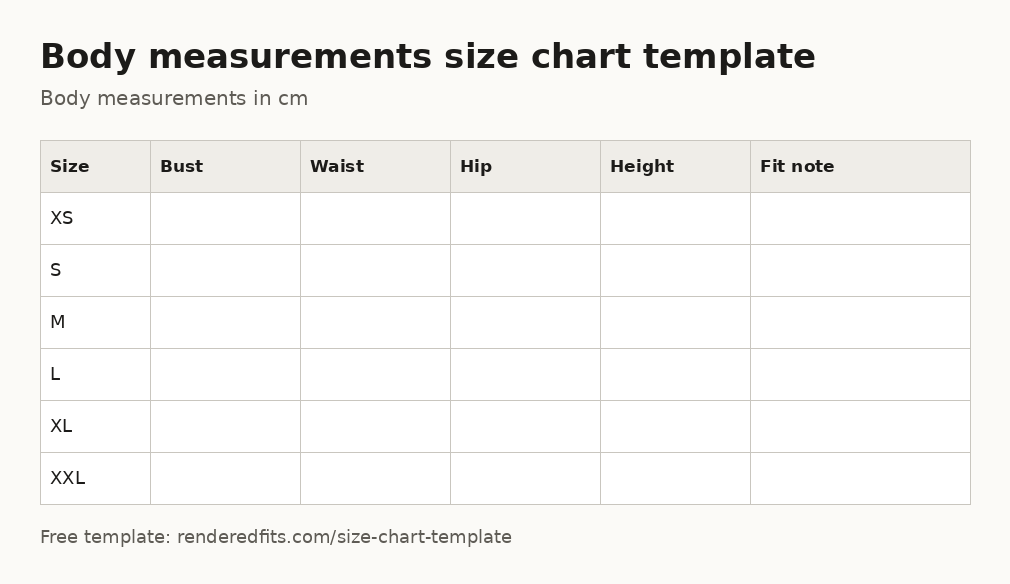
Columns: size, bust, waist, hip, height and a fit note. These are body measurements, taken on a person. Download the body measurements template (CSV) or use the matching sheet in the Excel workbook.
How to measure
- Bust. Garment: measure flat across the fullest part of the bust and double it. Body: measure round the fullest part of the bust.
- Waist. Measure straight across the waist (the top edge for trousers, the narrowest point for dresses) and double it.
- Hip. Measure flat across the widest part of the hip, usually 18 to 20 cm below the waist, and double it.
- Height. Standing straight without shoes, from the floor to the top of the head.
From a size chart to a size for each shopper
A size chart tells a shopper the measurements. It still leaves them to work out which size fits. Rendered Fits reads your own size chart and fit notes and recommends a size for each product on your Shopify store, with a Free plan for one product. You can audit your current size chart for free first.
Frequently asked questions
Are these size chart templates free?
Yes. The templates are free to download and use, including on commercial stores, under CC BY 4.0. A credit to Rendered Fits is appreciated but you do not need to show it on your product pages.
Can I use the templates in Google Sheets or Canva?
Yes. In Google Sheets choose File, Import and upload the Excel workbook or a CSV file. For Canva, Word or Numbers, fill in the spreadsheet first and paste the finished table in.
Should a size chart use garment or body measurements?
Use garment measurements for jeans, trousers, knitwear and relaxed cuts, and body measurements for dresses and tailoring. Whichever you choose, label it clearly so shoppers do not compare their body to a flat garment measurement.
Centimetres or inches?
The templates use centimetres. If you sell in the US, add an inches column or convert: 1 inch is 2.54 cm. Round to the nearest 0.5 cm or 0.25 inch.
How do I add the finished size chart to Shopify?
Paste it as a table into a page or a product metafield and show it with your theme's collapsible row or pop-up block. Our step-by-step guide covers Dawn and Horizon themes.
About Rendered Fits. Rendered Fits is a Shopify app for fashion brands that recommends a size for supported products from the brand's own size chart, and can show shoppers an optional AI try-on preview. There is a Free plan, and Complete is $349 a month with a 14-day trial.
See also: how to make a size chart · size guide examples · add a size chart in Shopify · size converter