A virtual fitting room for your Shopify store
A virtual fitting room for Shopify lets a shopper do online what they would do in a changing room: find their size, see the garment on themselves and try it with other pieces, all on the product page. This page explains how that works, which Shopify apps cover which part, and how to set one up.
By the Rendered Fits team · Updated 21 October 2026
What a virtual fitting room does
In a shop, the fitting room answers three questions at once: does this size fit, does it suit me, and what do I wear it with. Online, those questions are usually answered by three separate things, if at all: a size chart, the model photos and a "you may also like" row. A virtual fitting room brings them back together on the product page.
| The fitting-room question | What answers it online | What it needs from you |
|---|---|---|
| Which size? | A size recommendation for that product | A size chart and a fit note for each product |
| Does it suit me? | A virtual try-on image on the shopper's own photo | Your existing product photos |
| What goes with it? | Outfit suggestions from your catalogue, each sized | Products that can be worn together |
Most apps on the Shopify App Store answer one of the three. A few answer two. That is the first thing to decide: which question loses you the most sales or causes the most returns.
How it works on a Shopify product page
Here is the journey in Rendered Fits, as an example of a virtual fitting room that covers all three questions. The images are from our demo film, with an illustrated interface and example sizes.
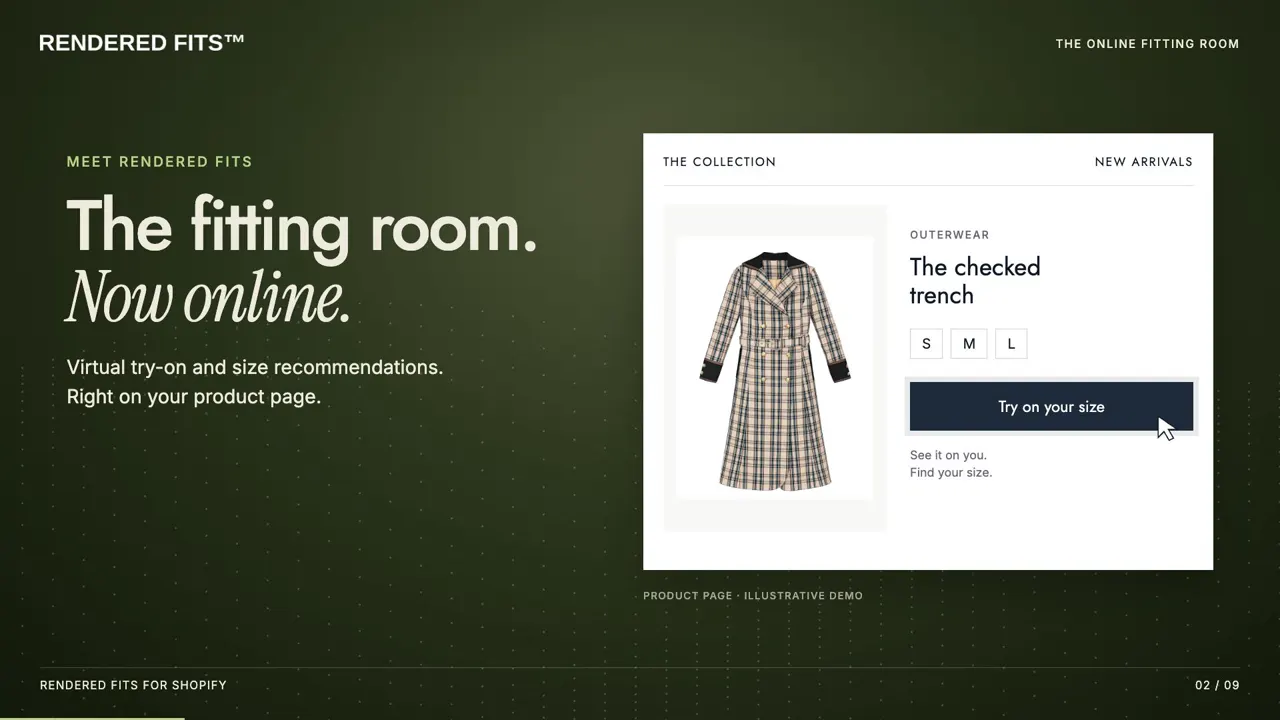
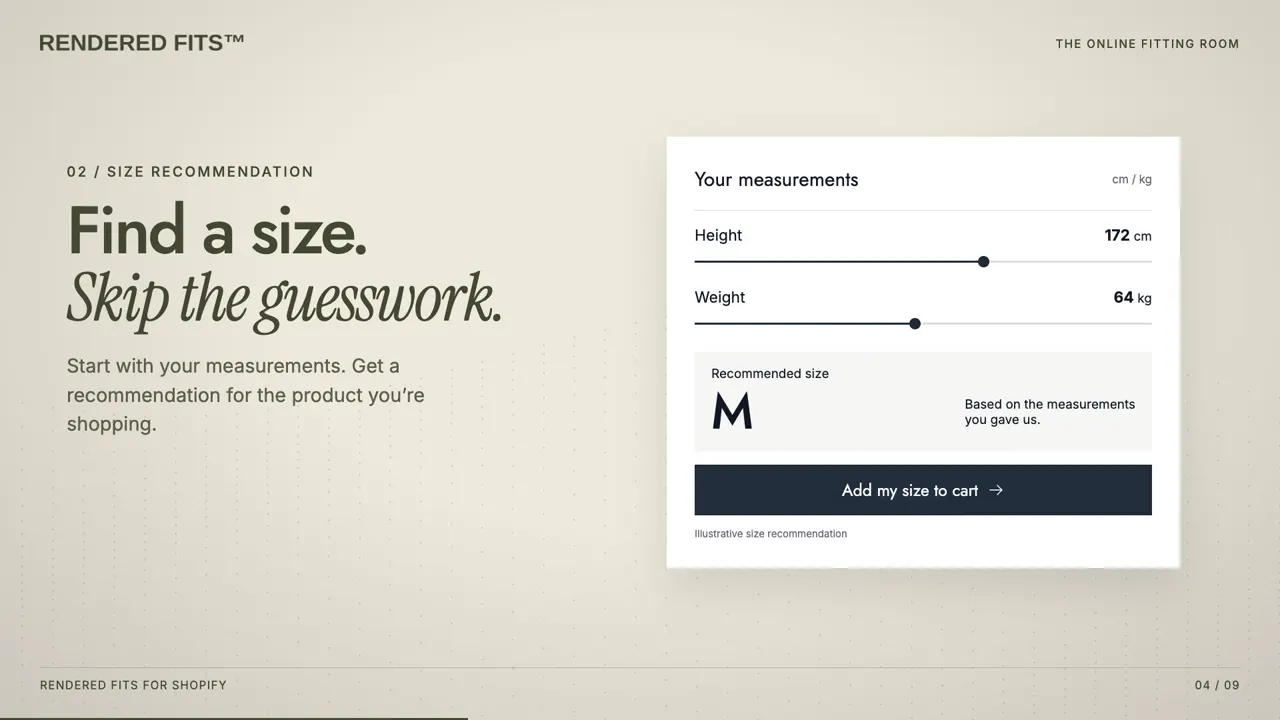
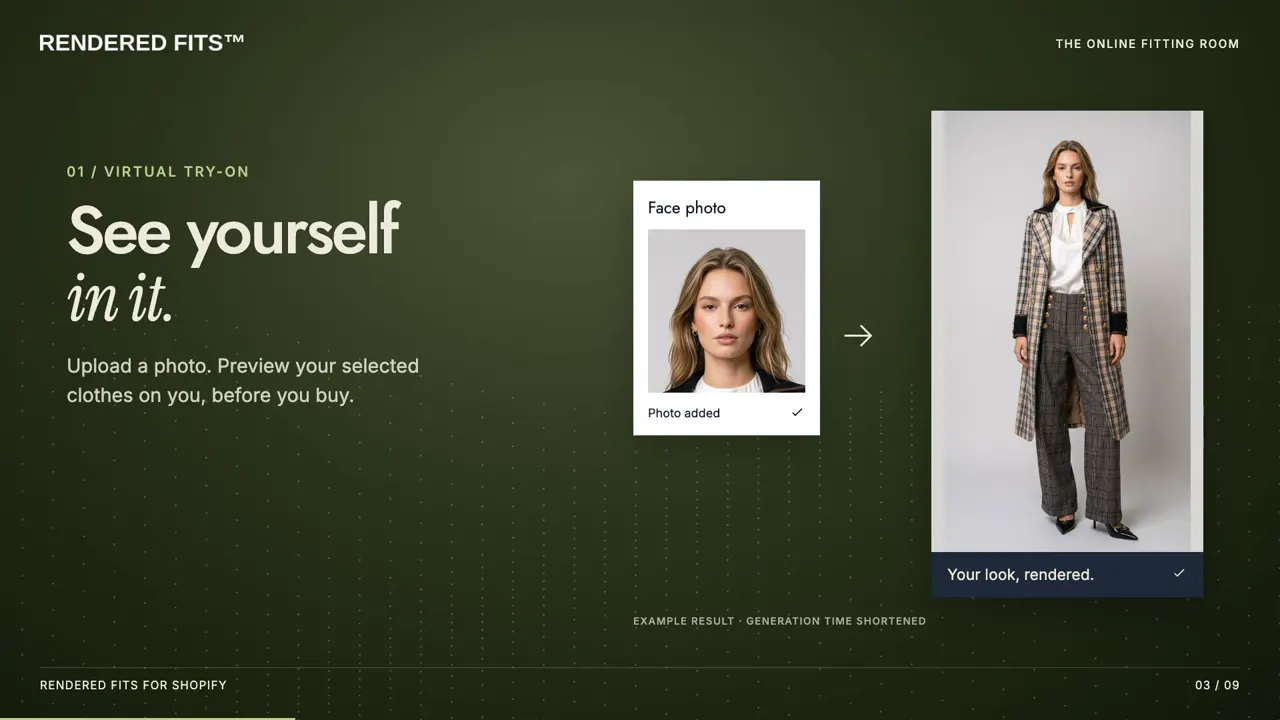
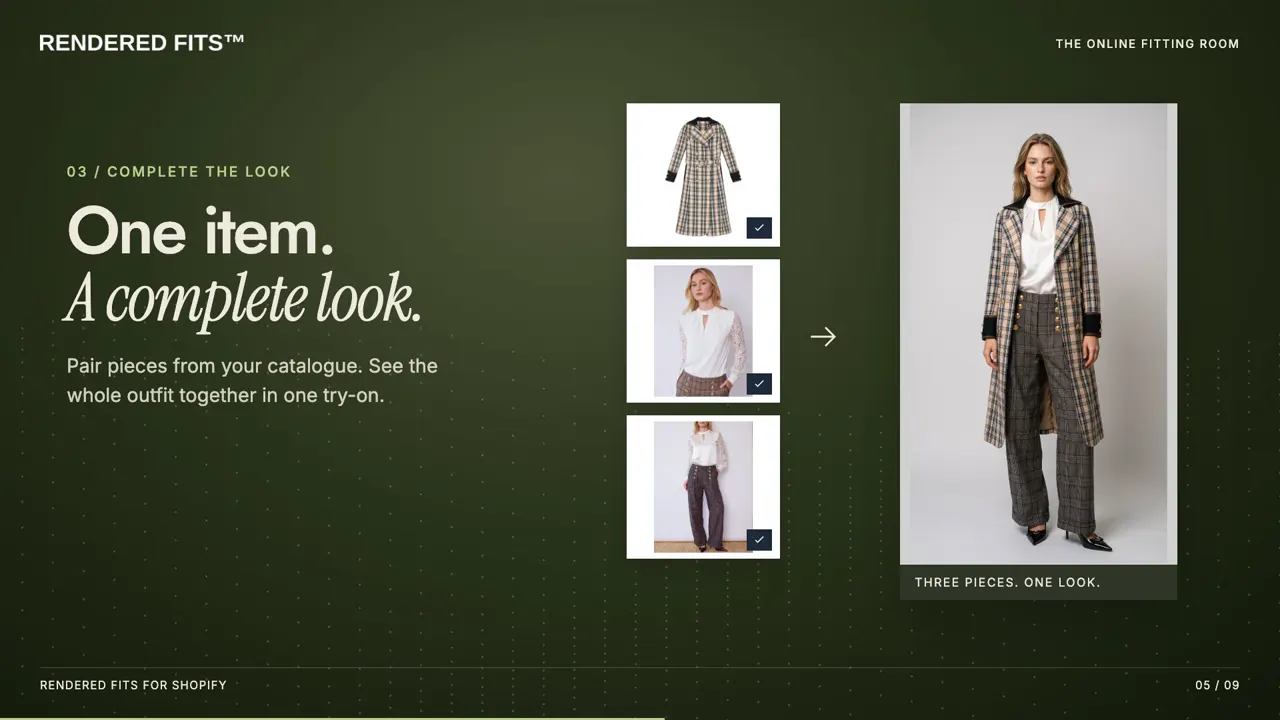
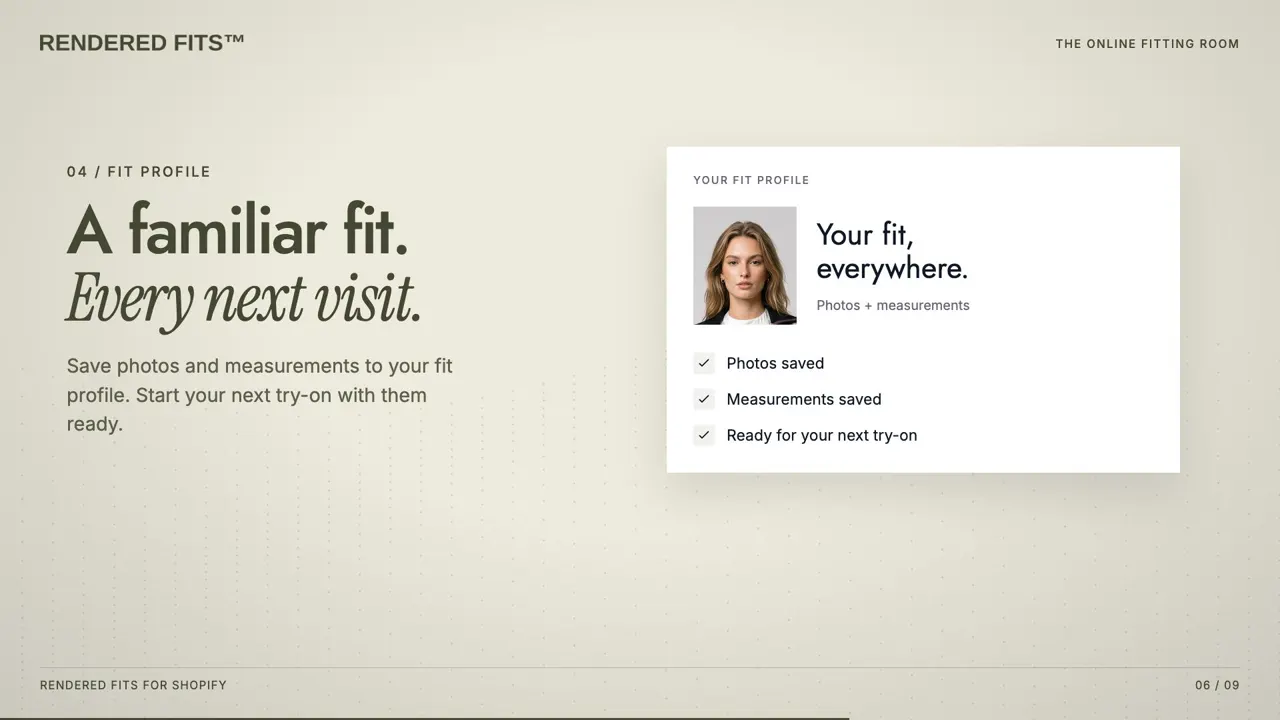
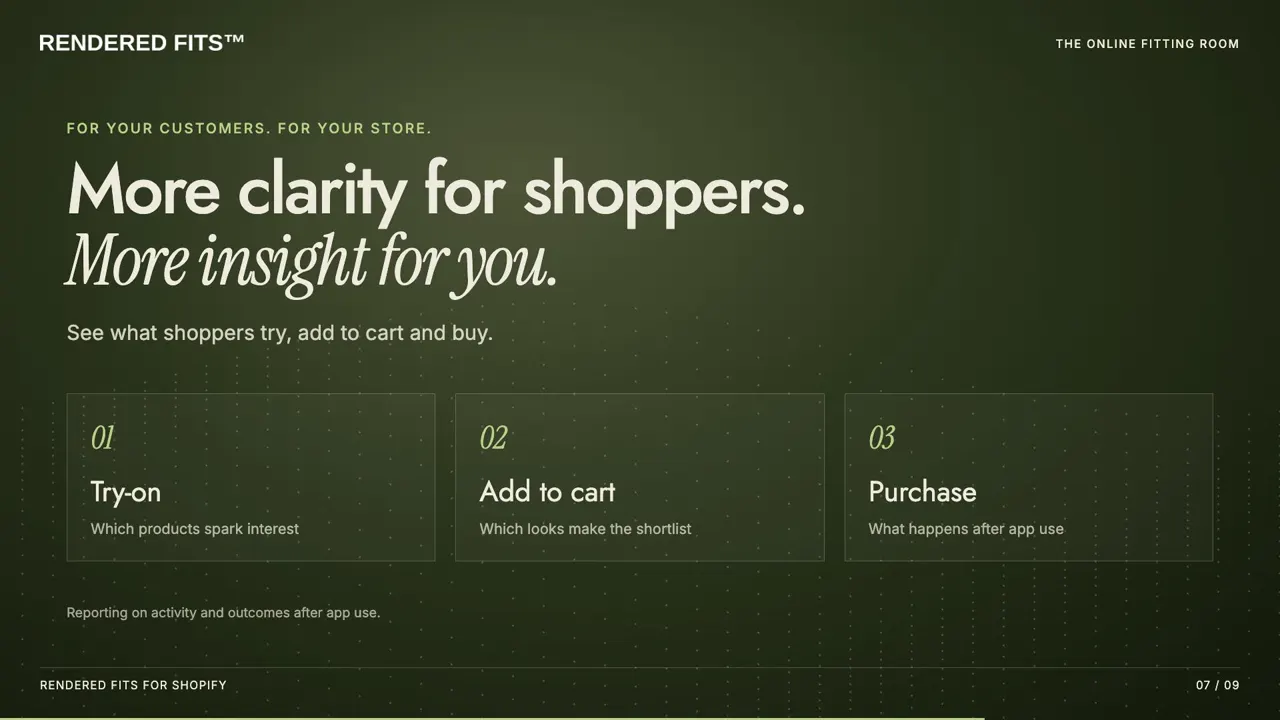
If a shopper picks two sizes of the same item, the app can prompt them before checkout, because buying two sizes to return one is one of the costliest habits in online fashion.
Virtual fitting room apps for Shopify compared
What each app's Shopify App Store listing said it covers, checked on 20 October 2026. Monthly prices in USD. We make one of these apps; the full comparison of 17 Shopify try-on and sizing apps has every plan, rating and launch date.
| App | Size advice | See it on you | Sized outfits | Price |
|---|---|---|---|---|
| Rendered Fits | Yes, from your size chart | Yes, photo | Yes, each piece sized | Free (1 product); $349 |
| AI Frame | Yes, plus size charts | Yes, photo | No | Free; from $19.99 |
| Faslet | Yes | Yes | No | From $199 |
| OptiDress | Yes | 3D avatar, no photo | No | Free trial plan; from $19.99 |
| GenLook | No | Yes, photo | No | Free; from $19.99 |
| Antla | No (works alongside size charts) | Yes, photo | No | From $19.99 |
| Kiwi Size Chart & Recommender | Yes, plus size charts | No | No | Free; from $7.99 |
| Virtusize | Yes, with fit visualisation | Body-based fit view, no photo | No | From $39 |
A photo try-on app costs less if all you need is the image. A sizing app costs less if all you need is the size. A combined tool is worth paying for when your returns are mostly about fit and your shoppers buy more than one piece at a time.
Setting one up
- Get your size charts in order. Every size recommendation is only as good as the chart behind it. Our guide to making a size chart covers what to measure, and the free size chart audit shows what your store publishes today.
- Install from the Shopify App Store and choose the products to start with. The Free plan covers one product, which is enough to test the journey.
- Place the button in the theme editor next to your size selector, and preview it on a phone.
- Run it on a few products first and compare size exchanges, returns and add-to-cart against similar products without it, over the same period.
The step-by-step setup guide goes through each screen, and the help centre answers setup questions.
What it costs
Rendered Fits has a Free plan for one product with 5 try-on images a month. Complete is $349 a month for the whole catalogue, outfits and 1,000 try-ons, with a 14-day trial. Enterprise is $999 a month with 5,000 try-ons. There are no fees on sales. See pricing, or what virtual try-on costs across apps and APIs.
Frequently asked questions
What is a virtual fitting room?
A set of tools on a product page that does the job of a changing room online: a size recommendation for the garment, an image of the shopper wearing it, and suggestions of what to wear it with. Some tools cover only one of these.
Is there a virtual fitting room app for Shopify?
Yes. On the Shopify App Store, apps such as GenLook and Antla show the garment on the shopper's photo, Kiwi and Virtusize recommend sizes, and Rendered Fits, AI Frame and Faslet combine size advice with try-on. Rendered Fits also sizes each piece of a suggested outfit.
Does a virtual fitting room show if clothes will fit?
Only the sizing part does. A try-on image shows how a garment might look, not whether it will close or how it will feel. The size comes from the brand's size chart and the shopper's measurements.
How much does a virtual fitting room cost on Shopify?
Photo try-on apps listed paid plans from about $15 to $20 a month on 20 October 2026, and sizing apps from about $8 to $50. Rendered Fits, which combines sizing, outfits and try-on, has a Free plan and Complete at $349 a month.
About Rendered Fits. Rendered Fits is a Shopify app for fashion brands that recommends a size for supported products from the brand's own size chart, and can show shoppers an optional AI try-on preview. There is a Free plan, and Complete is $349 a month with a 14-day trial.
Related: Virtual try-on for Shopify · Size recommendation app · Virtual fitting room technology